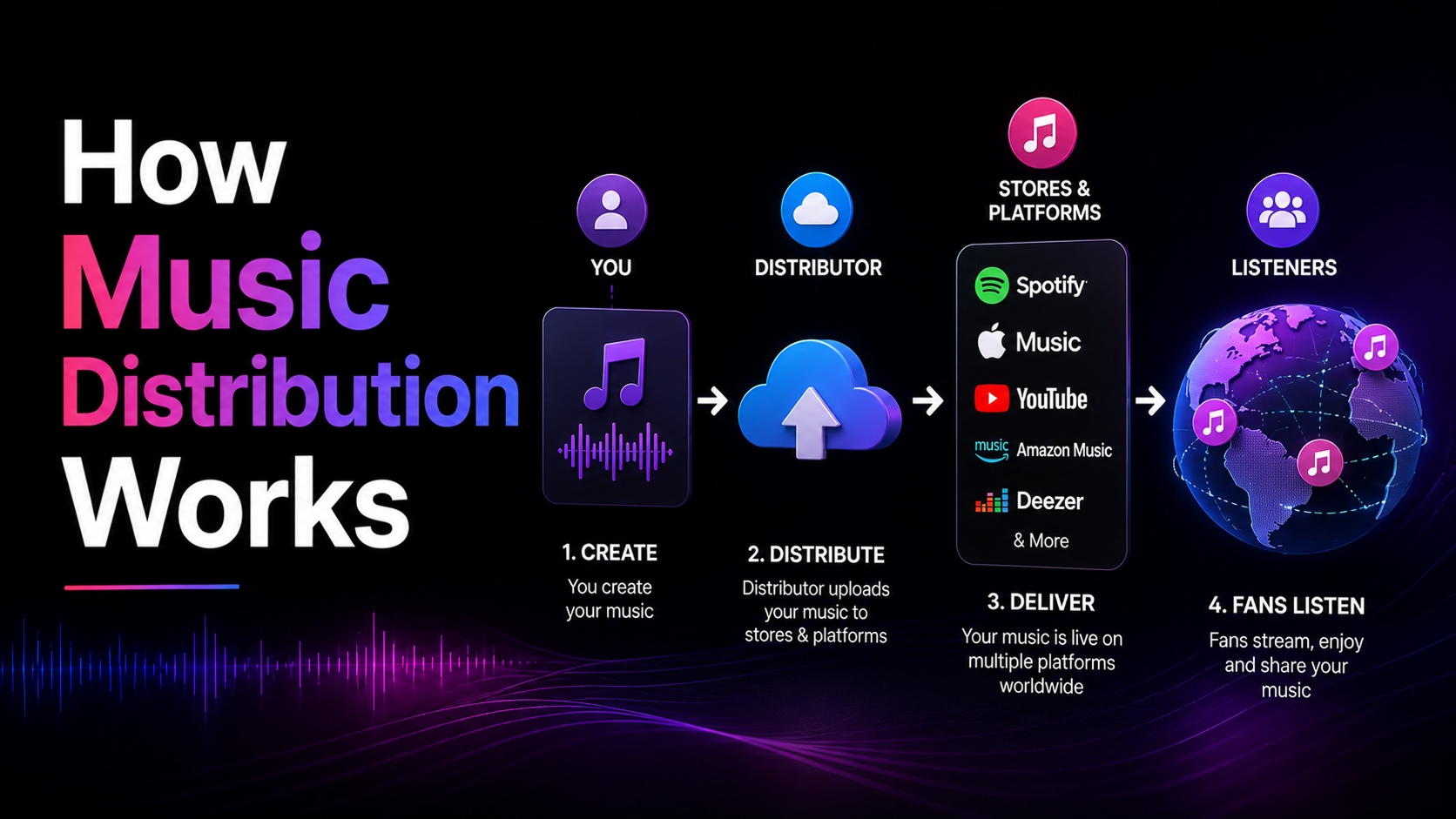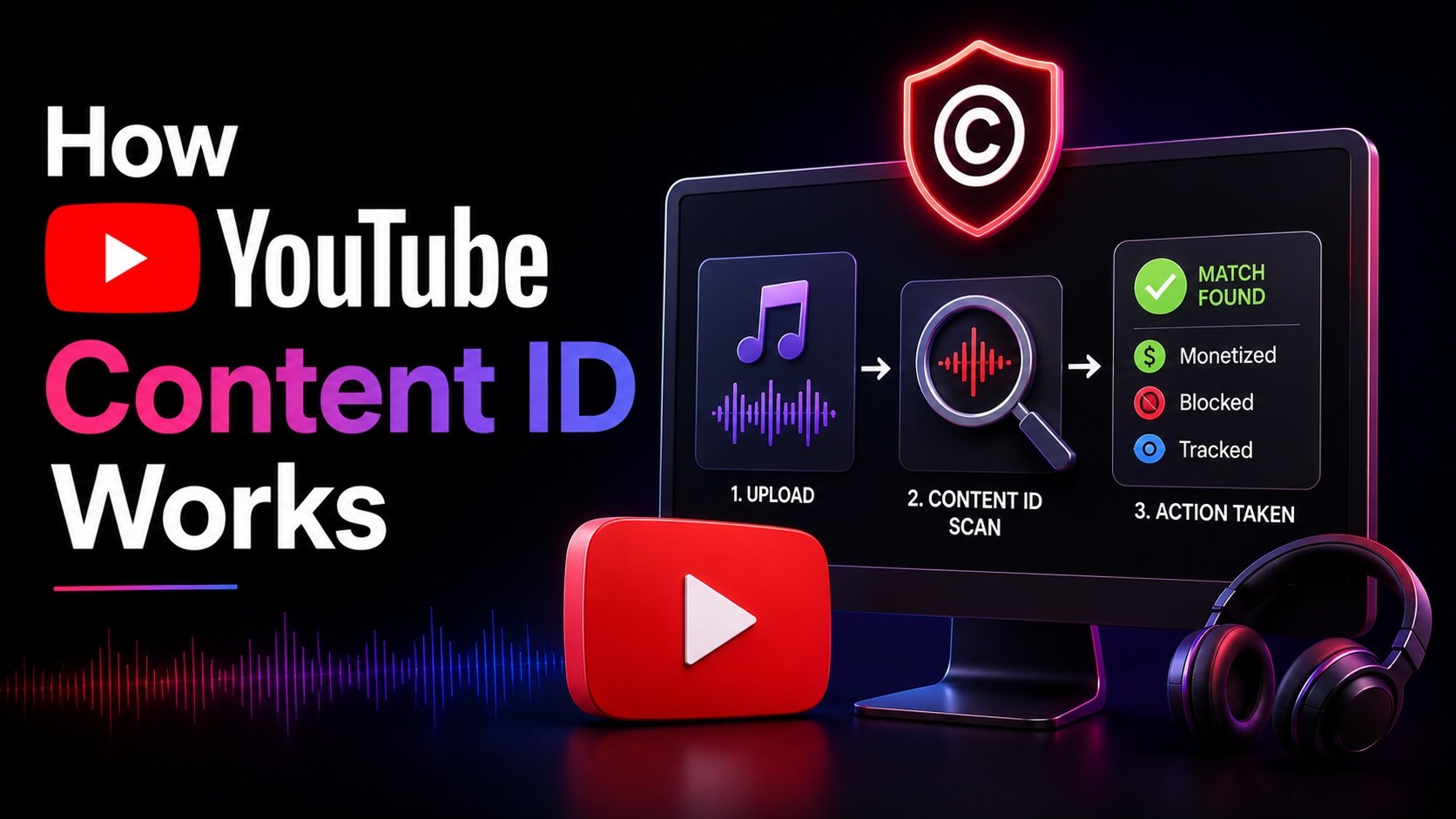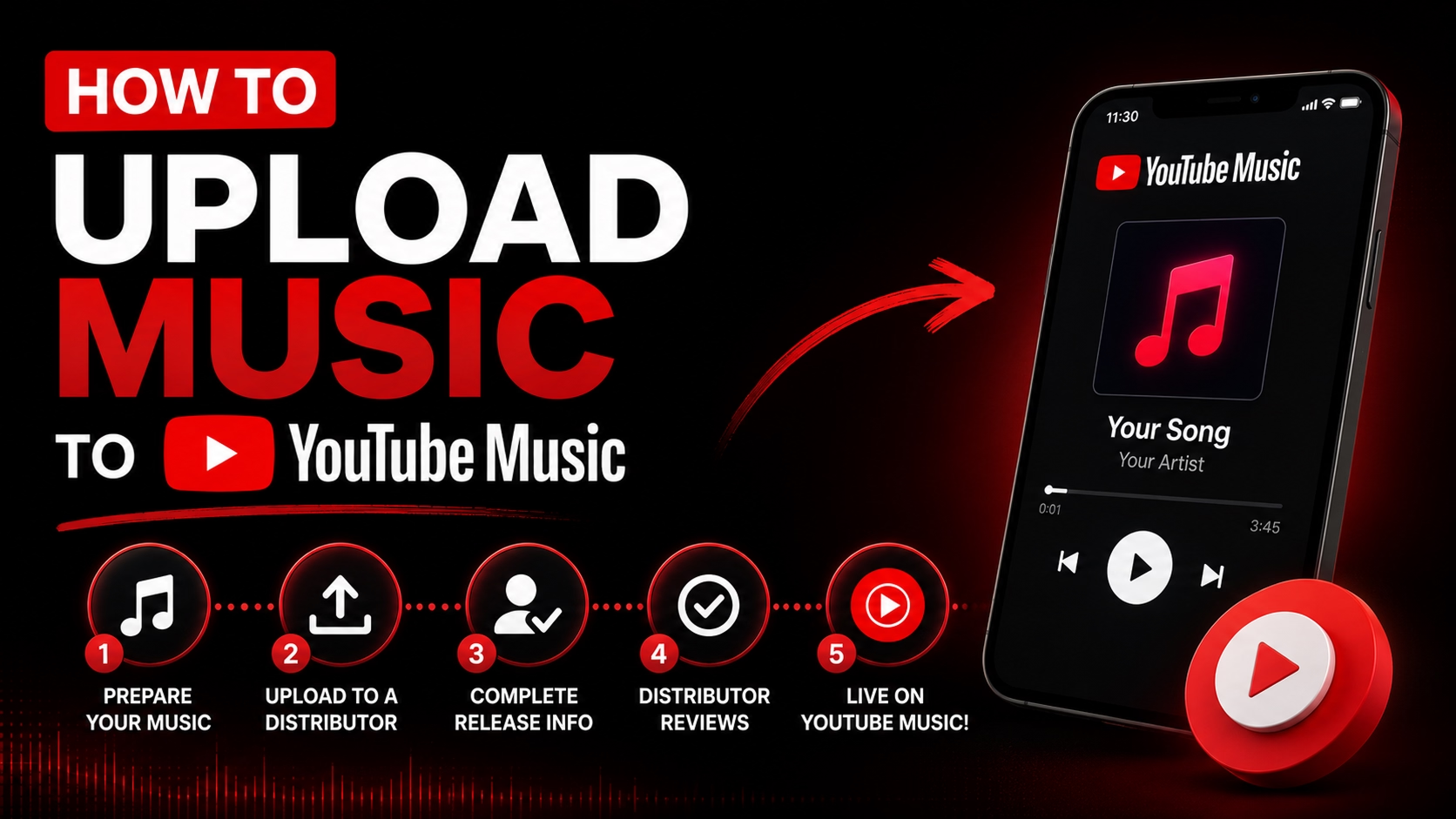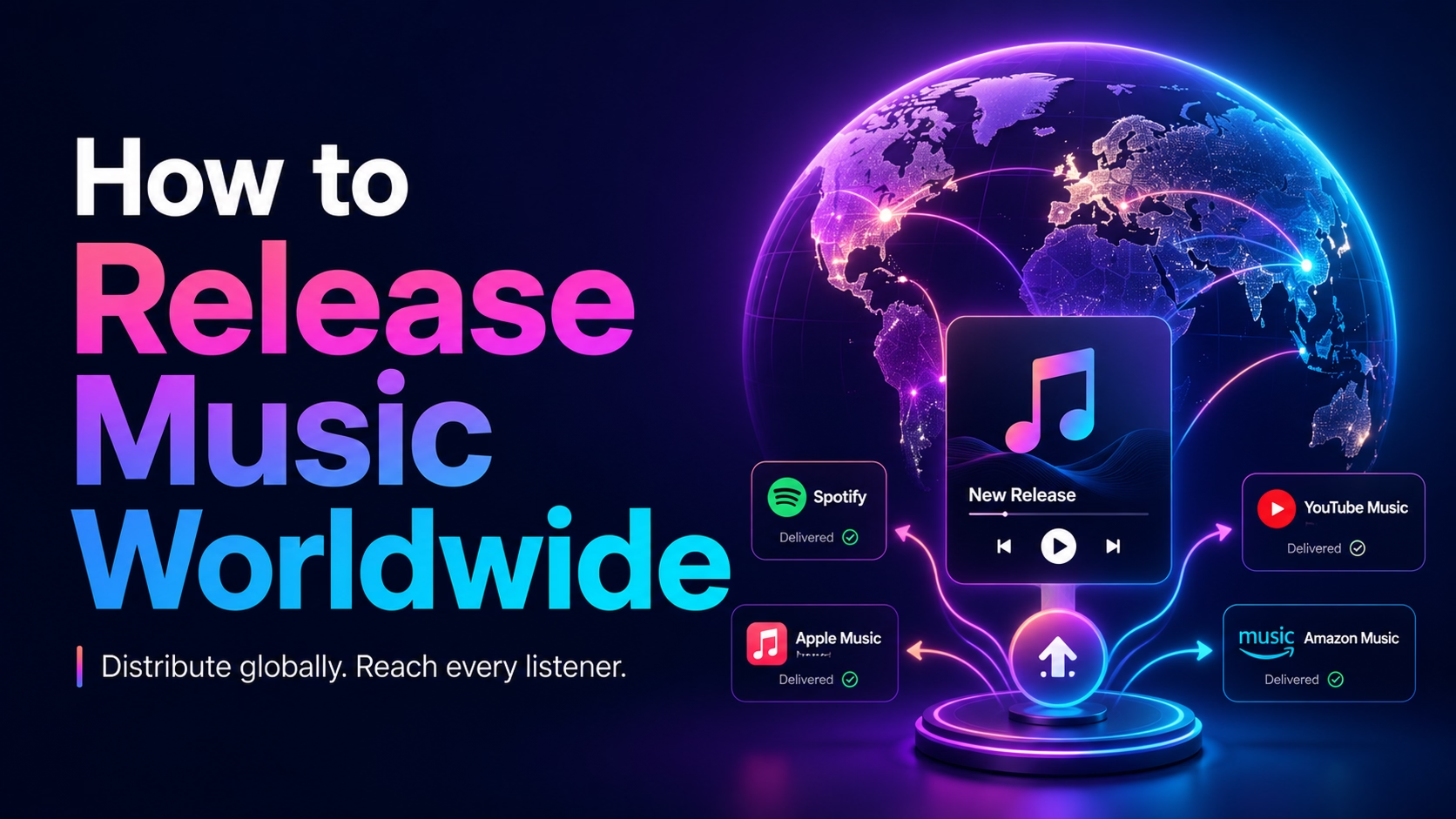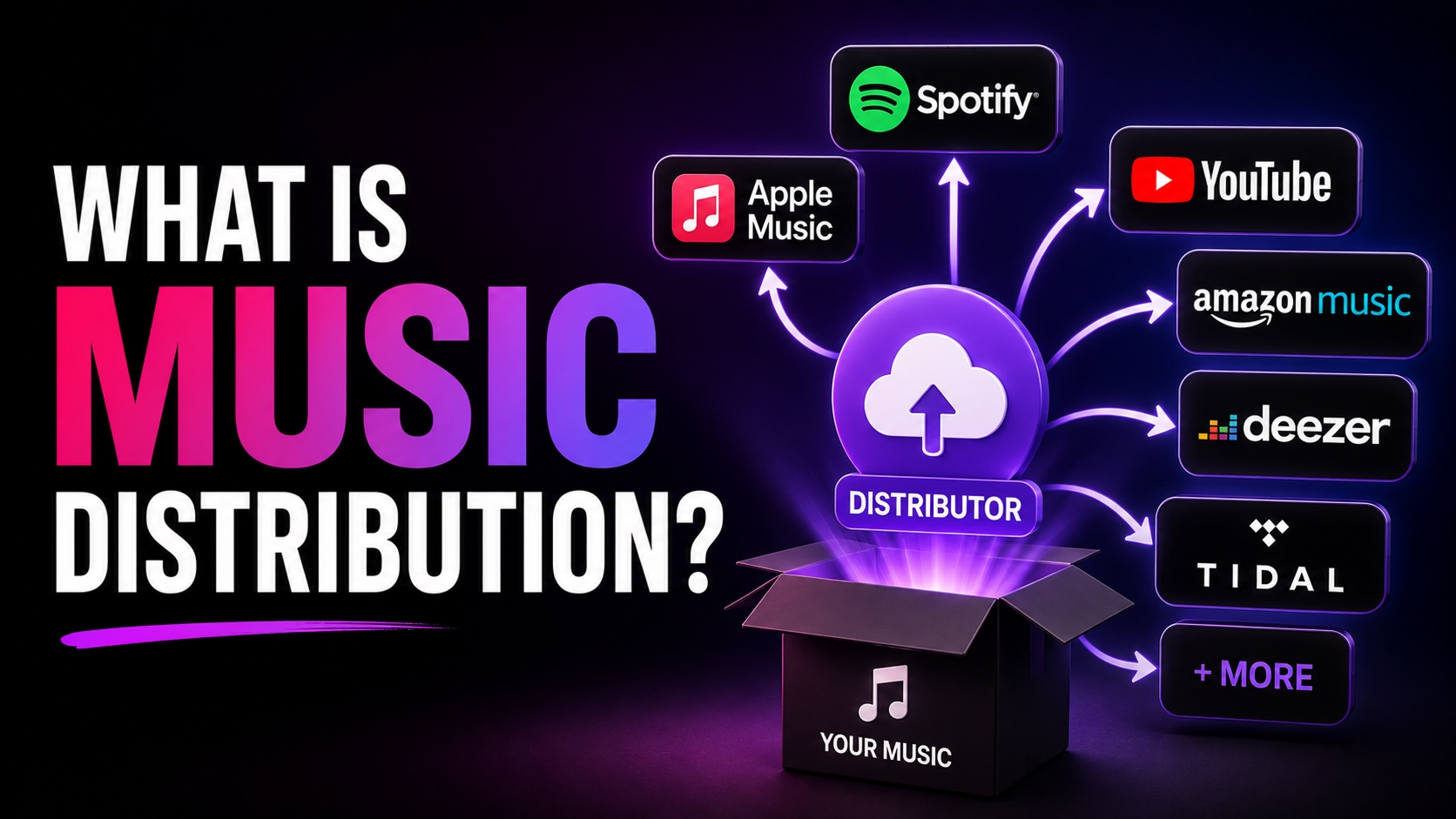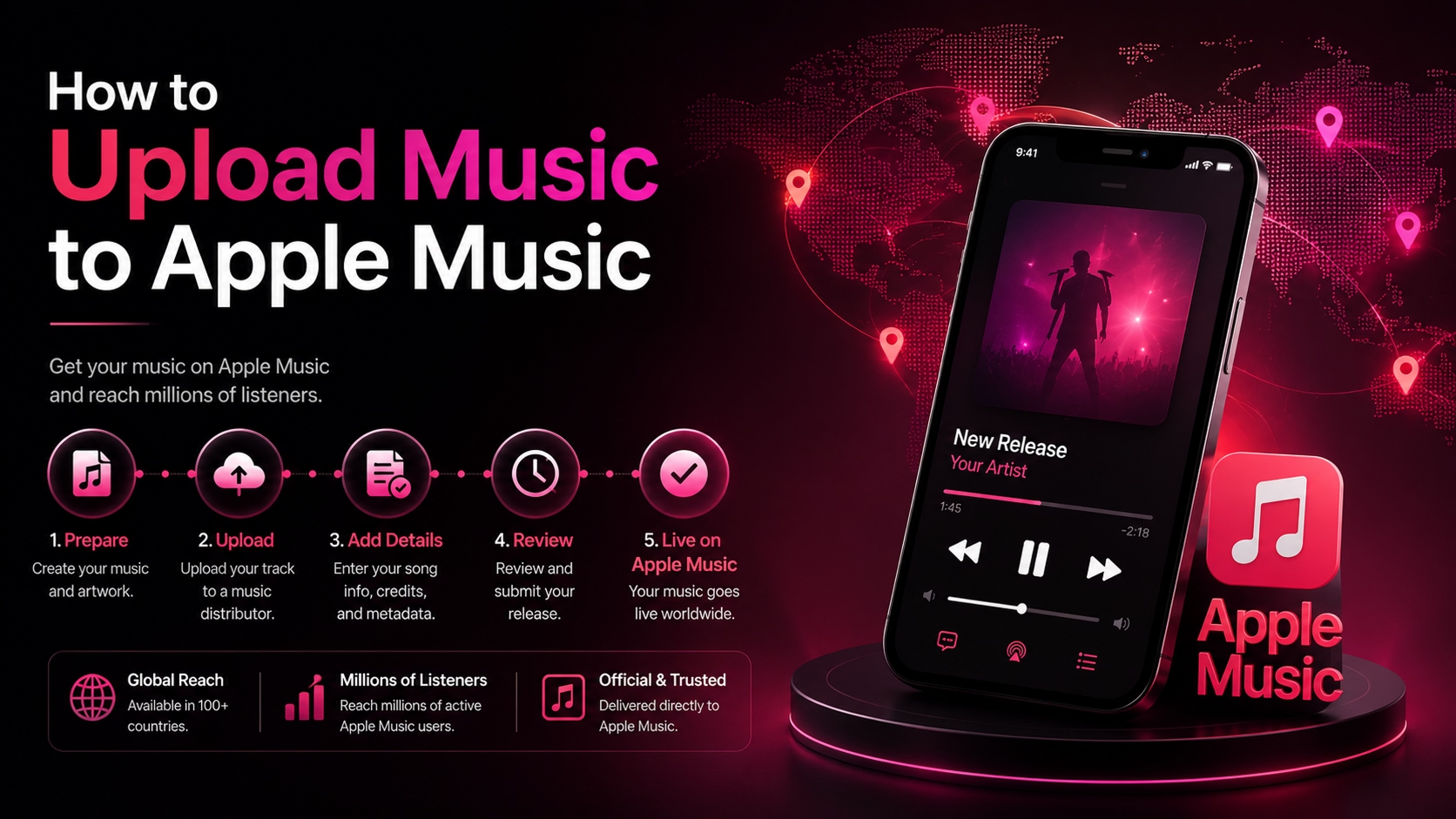
Navigating the digital music ecosystem requires a clear understanding of how distributors, stores, and registration agencies interact. Correctly preparing your files and metadata is the key to preventing release delays and ensuring you collect every cent your music generates.
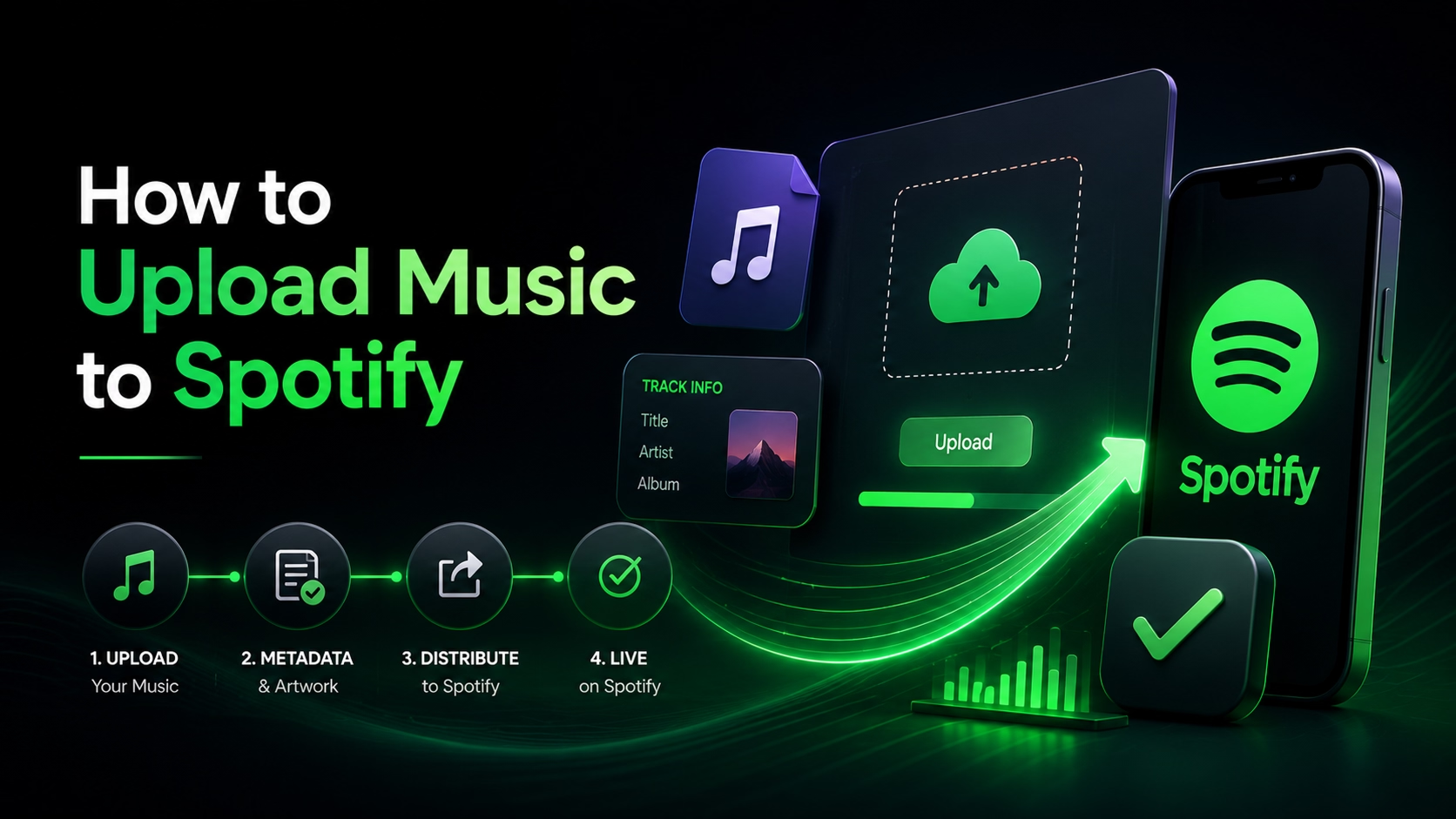
Step 1: Upload to Your Distributor
Upload your music and metadata to Distrozi. Schedule your release at least 14 days in advance to allow processing and playlist pitching.
Step 2: Wait for Delivery Confirmation
We process and deliver your tracks to Spotify within 24-48 hours. You will receive notification once delivery is successful.
Step 3: Access Spotify for Artists
Claim your Spotify for Artists profile to gain access to real-time analytics, edit your bio, and add custom canvas background loop videos.
Step 4: Pitch to Spotify Editorial Playlists
At least 7 days before release, submit your track via the Spotify for Artists dashboard to be considered for official editorial playlists.
Digital Distribution vs. Traditional Record Labels
| Aspect | Self-Distribution (Distrozi) | Traditional Record Label |
|---|---|---|
| Master Ownership | Artist retains 100% | Label owns masters |
| Creative Control | Complete freedom | Subject to label approval |
| Royalty Share Split | Artist keeps up to 100% | Artist gets 15% - 50% split |
| Release Speed | Within 24-48 hours | Months of schedule coordination |